How to keep your FreeBSD box up to date
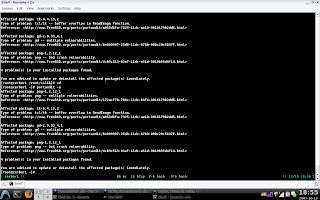
Here is a quick but time-consuming way of keeping your ports up to date. First we will install portaudit to see what ports need upgrading because of vulnerability issues. Than we will install portupgrade which is a program for upgrading your system.
Portaudit
make install clean
portaudit -Fda
Portupgrade
make install clean
Let's now update the ports collection using the built in portsnap.
portsnap fetch
portsnap update
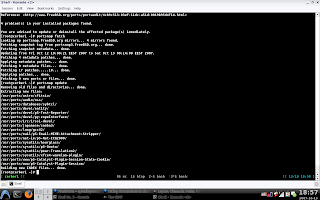
After your ports collection update is completed you should run the following command and building a new database for the portupgrade program. Beware as this takes a LOT.
portsdb -Uu
The actual upgrading is done with:
portupgrade -arR
By the way to see what packages are outdated type at the command prompt:
pkg_version -l "<"
That's it. You should now have an up to date system. All you need to do now is automate this task by adding all the commands in a shell file and throwing it at cron.
Portaudit
portaudit provides a system to check if installed ports are listed in acd /usr/ports/ports-mgmt/portaudit
database of published security vulnerabilities.
make install clean
portaudit -Fda
Portupgrade
Portupgrade is a tool to upgrade installed packages via ports orcd /usr/ports/ports-mgmt/portupgrade
packages. You can upgrade installed packages without having to
reinstall depending or dependent packages. It can automatically trace
dependency chains up and down upgrading packages recursively.
make install clean
Let's now update the ports collection using the built in portsnap.
portsnap fetch
portsnap update
After your ports collection update is completed you should run the following command and building a new database for the portupgrade program. Beware as this takes a LOT.
portsdb -Uu
The actual upgrading is done with:
portupgrade -arR
By the way to see what packages are outdated type at the command prompt:
pkg_version -l "<"
That's it. You should now have an up to date system. All you need to do now is automate this task by adding all the commands in a shell file and throwing it at cron.

